
How the Bexar Court Calendar Works
Bexar County spreads its hearing settings across several channels. Odyssey Search Hearings gives the public a searchable list. The Civil Court Schedule carries an embedded civil calendar. Individual numbered courts may post their own dockets, and bulletin boards at the courthouse still carry county settings. The live setting belongs to the assigned judge or coordinator.
Search Hearings asks for location, hearing type, search type, courtroom, and a date range. You can sort the results, and a calendar control changes the view. The official guide once illustrated County Court 6 at Law. The implementation leaned toward criminal location data. Coverage shifts over time. If the hearing screen comes back blank, do not assume no date exists. Move to the case record and the court clerk.
Bexar Search Hearings Fields
Search with the narrowest facts you have. A courtroom plus a short date range cuts out unrelated settings, and running the case number through Smart Search can surface the assigned court before the hearing search begins. Note where you looked and when. Bexar County court schedule entries can shift after a reset or continuance.
| Search control | Use | Check after opening |
|---|---|---|
| Location | Select the current area of law offered by the portal | Confirm it matches the case type |
| Hearing type | Narrow motion, trial, review, or other event | Read the exact label |
| Courtroom | Limit the Bexar County schedule to an assigned room | Confirm building and court |
| Date range | Search a short period around the expected date | Check for later reset entries |
| List/calendar view | Sort rows or view settings by day | Match the case number |
A list row is a scheduled event, not proof that the hearing took place.
Bexar County Court Date Lookups
Each access channel earns its keep. Begin with the notice or citation in hand, then weigh the online data against what the clerk holds. Routing matters: county misdemeanor and probate matters may run through the County Clerk, felony and district civil cases through the District Clerk, and municipal or JP matters through their own clerks.
- Read the latest summons, citation, notice, or order and note the case number and assigned court.
- Open Odyssey Smart Search, select the case, and read the newest future item in Hearings and Events.
- Use Search Hearings with the location, hearing type, courtroom, and date range when a schedule list is needed.
- For civil matters, compare the Civil Court Schedule or posted docket with the case event.
- Call the numbered court or clerk when the entries conflict or say reset, passed, continued, or dropped.
- Visit the clerk counter or Justice Center bulletin boards if the online route fails.
- Use re:SearchTX as a statewide fallback, and verify again before a critical appearance.
Municipal and JP dates stay with the venue that issued them. A San Antonio ticket will not always show up on the county calendar.
Bexar Presiding Court Blocks
The Bexar Presiding Court at Room 1.09 runs distinct administrative blocks. Discovery and pleading disputes sit at 8:30. Protective-order matters sit at 8:45 on Tuesday through Thursday. Significant matters sit at 9:00, and walk-up uncontested or emergency matters sit at 1:30. Tax and expunction blocks take 2:00 on stated days. Those times mark docket categories, not a guaranteed slot for any one case.
Readiness announcements, e-filing comments, estimated hearing time, capped dates, conference notices, and court approval can all shape the schedule. Each one can shift where a case lands on the Bexar County court schedule. The official Presiding Court page posts the current judge and docket information.
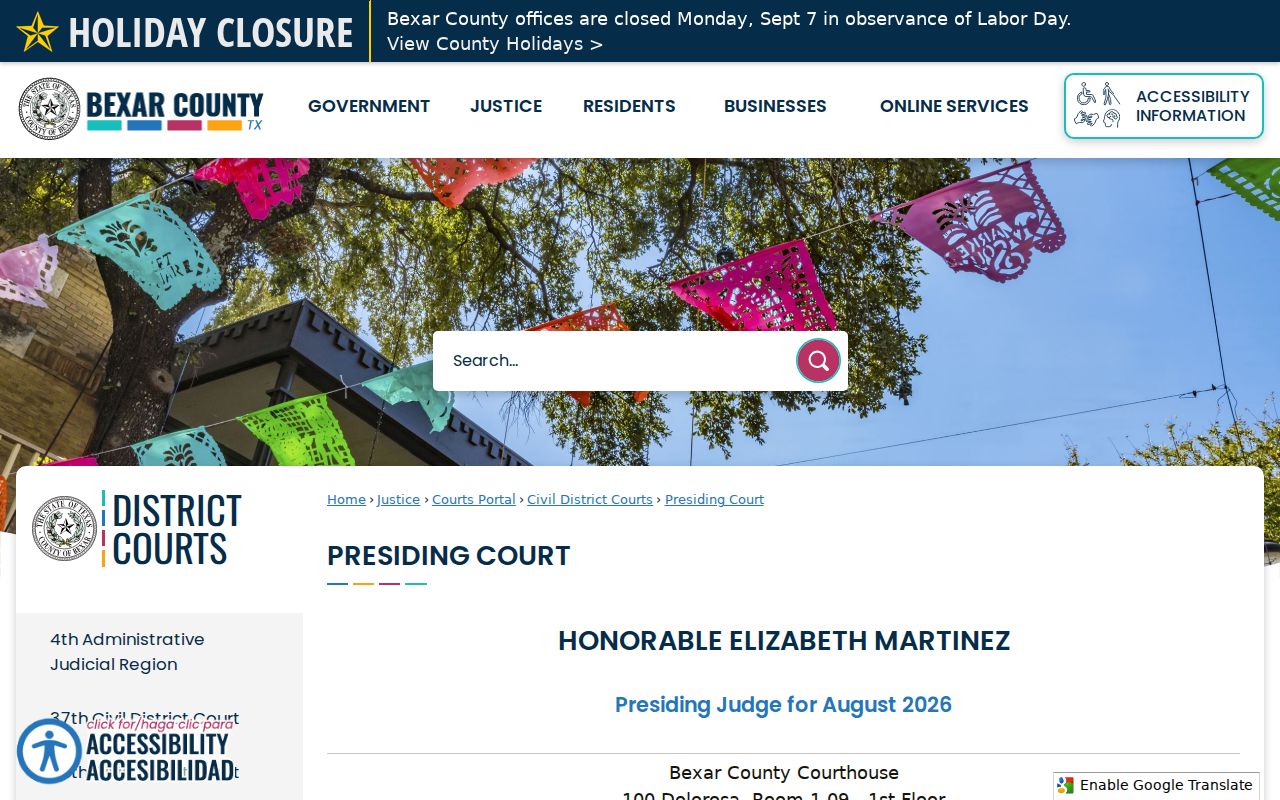
Check the live notice and your assigned coordinator, since the Presiding Court has announced 2026 conference and capped-docket changes.
Court Settings: What Each Field Means
Tie every entry on the Bexar County court calendar to its case. Similar names and repeated hearing types make mismatches easy. Save all fields before you plan an appearance.
| Date and time | The scheduled start or docket-call time, subject to later court action. |
|---|---|
| Case or cause number | The identifier that links the setting to the right file. |
| Court and courtroom | The numbered court, room, and venue where the setting belongs. |
| Judge or judicial officer | The official assigned to the setting, which may differ from the trial judge. |
| Setting type | Motion, status, pretrial, bench trial, jury trial, review, or another event. |
| Status or notation | Reset, continued, passed, dropped, remote, in person, or other instruction. |
If the room or format is missing, call the court. Do not guess from an older Bexar County setting.
Bexar Docket Call Vocabulary
Local schedule labels often say what the parties must do, not what the judge will decide. Read any Bexar County court date beside its case order and the newest docket note.
- Docket call or announcement
- The court calls cases and receives ready, not-ready, reset, drop, or agreed-order positions.
- Ready
- A party states the matter can proceed as set, subject to the court.
- Reset or continued
- The setting moves. Find the new date in a later entry or from the coordinator.
- Dropped
- The setting leaves that calendar. It does not by itself dismiss the case.
- Passed
- The court does not reach the item at that point; later instructions control.
A trial setting, motion setting, and administrative docket call are not interchangeable.
When a Bexar Court Date Moves
A continuance is a delay the court approves. A reset is simply a new setting. A dropped calendar item can leave the case very much alive. Bexar civil local rules demand readiness announcements and set procedures for continuances and settings. A request is not approval. Hold onto the original date until the court issues or records the change.
Sort Hearings and Events newest first. Then compare it with any posted Bexar County court schedule. If the online record and a paper order disagree, call the assigned coordinator. Have the case number, the court, the old date, and the text of both entries ready. Ask whether you still must appear and whether it is remote or in person. Save the clerk's current instruction, then check again near the setting.
Bexar Civil Schedule Nuance
The Bexar Civil Court Schedule is partly embedded, so its visible update date matters. It shows a useful court, day, time, and docket category. But it is a calendar layer, not the full case chronology. Smart Search may carry a newer reset. A coordinator may hold the most current capped-date or courtroom detail.
Civil local rules updated July 1, 2026 add context. E-filing comments should name the docket, court, and date. Envelope numbers help staff pull papers fast. Readiness and estimated hearing time can move placement. A same-day Bexar County calendar check beats a saved image or downloaded PDF.
Municipal Dates Outside County Calendars
A ticket written by a city does not sit on a county calendar. San Antonio Municipal Court says a citation can take up to ten business days to show up online. Universal City allows five business days. That court also warns that calling does not count as an appearance. Schertz, Converse, and Live Oak each run city-branded Tyler screens of their own. So none of these fits into a single Bexar County court schedule. For a JP citation, figure out the precinct first. Each of the four Bexar JP Place 1 offices has its own counter and phone line. Call Precinct 1 at 210-335-4500, Precinct 2 at 210-335-4800, Precinct 3 at 210-335-4700, or Precinct 4 at 210-335-4900. Hang on to your paper citation while the case is still being indexed. Call the issuing court before the appearance date printed on it.
Missed Bexar Settings and Next Steps
A missed Bexar County court date demands quick action. Pull up the newest docket entry first. Then call the assigned court or clerk, give the case number, the scheduled date, the court, and the type of hearing, and ask whether an order, warrant, default, or new date was entered. An online payment or a voicemail does not undo a missed appearance.
A missed setting can have immediate effects. Criminal or traffic matters may lead to failure-to-appear action, while a civil matter may face default, dismissal, sanctions, or another court order. Only the assigned court can confirm the current status and allowed next step.
No case turning up? Run the Bexar County docket search to confirm the court and case number. Then go back to the clerk or coordinator with those details.